What does a data center do with each tap and click? The short answer is power, cool, connect and compute. Every app on a phone talks to servers somewhere. A data center is the building that keeps those servers fed. It supplies power, cooled air and network links in one guarded place. The request path inside runs in steps, and each step has a backup.
The scale keeps growing. Berkeley Lab reports rapid growth in electricity demand from data centers across the country. NIST treats the cloud services stacked on top as a standard computing model. Together, the building and the model explain most of modern computing. Readers following this should also see Cloud Computing Explained: The Model, the Layers, the Money.
What Does a Data Center Do With a Request
A request arrives at the edge. The network resolves a name, then hands the packet to a load balancer. The balancer picks a server from a pool and forwards the work. The server pulls data from storage, computes an answer and returns it. The whole trip often fits inside a blink. This connects to our earlier piece, Data Center Jobs: Who Works the Floor, Who Works Remote.
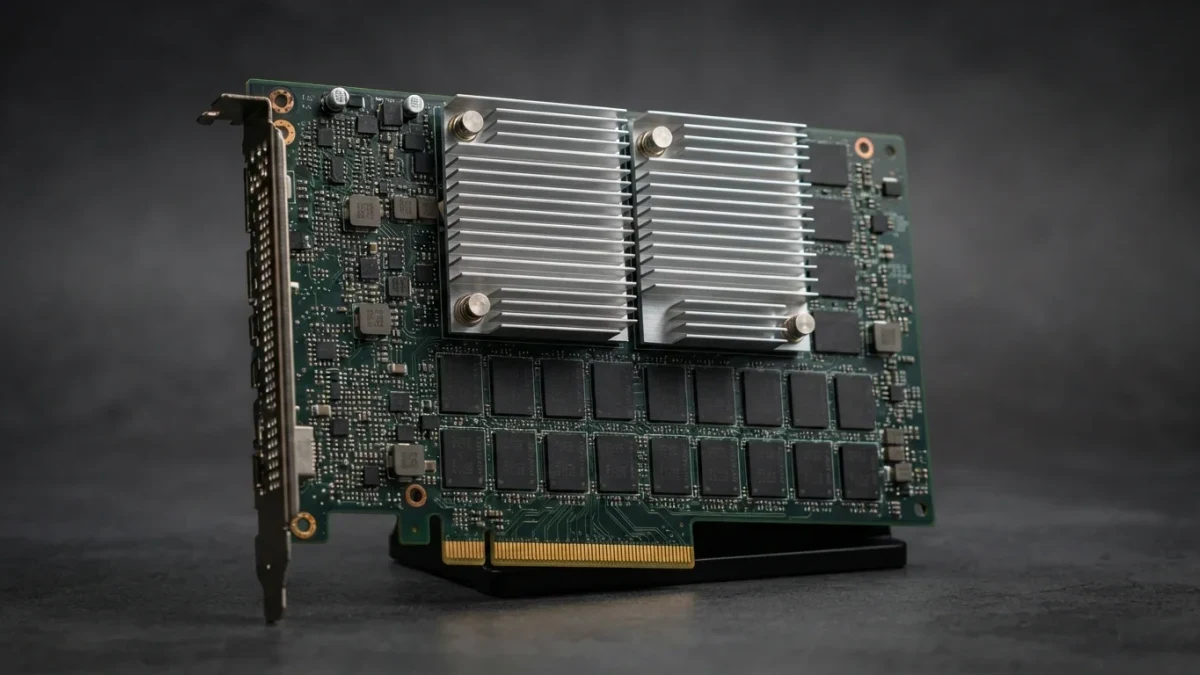
Each hop has hardware behind it. Fiber leaves the building toward other sites and the wider internet. Switches move traffic between racks at high speed. Storage arrays hold the data, and copies sit on separate systems. When one part fails, another takes over, and the request never notices the swap.
The Trip From Rack to Answer
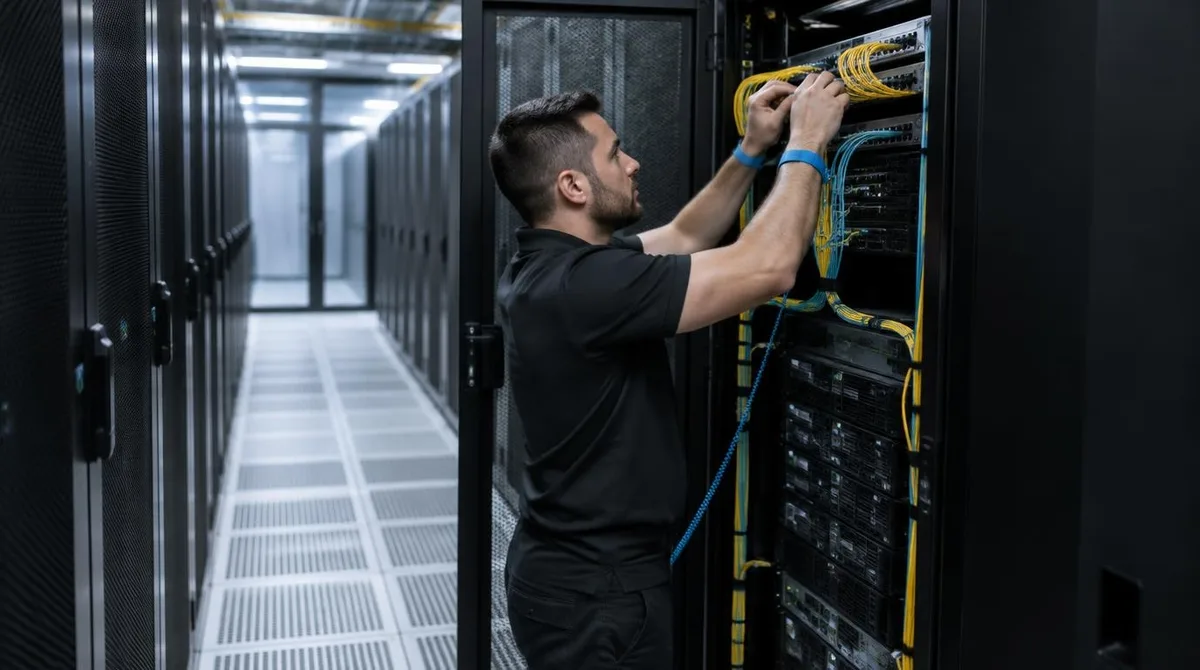
Inside the hall, a rack holds dozens of servers in neat rows. Cold air flows up through perforated floor tiles, or liquid loops carry heat away direct from the chips. Power arrives through two separate paths, each sized to carry the site alone. Raised floors and overhead trays keep the cables sorted.
The request itself moves in milliseconds. A query crosses metro fiber, hits a router, crosses a switch and lands on a network card. Memory is checked, a disk may be read, and the answer returns along the same road. Latency budgets get measured in those small steps, and designers fight for each one.
Cooling sets the rhythm of the hall. Hot aisles and cold aisles keep the air from mixing. Rows face one way, and blanking panels fill empty slots. Small habits keep the thermals calm and the machines stable.
Redundancy and the Uptime Math
Sites grade redundancy on a public scale. The Uptime Institute tier system defines four levels, and each level adds capacity to survive maintenance and faults. The institute notes the levels are progressive, so each tier absorbs the ones below. Lower tiers accept planned downtime windows. Higher tiers keep running through scheduled work and single failures.
The math is plain engineering. Extra power feeds, extra chillers and dual paths cost money and space. An owner picks a tier that matches what tenants would lose during an outage. A bank and a blog need different grades of survival, and the price scales with the grade.
Where Requests Actually Land
Not every request lands nearby. Names resolve to addresses, and addresses route to regions chosen for cost, law and latency. One page may pull its text from one region and its media from another. The user sees a single screen, while the work spreads wide.
Caching shortens most trips. Popular answers get stored close to the asking city, so the second request travels less far than the first. Operators also shift batch work, like reports and model runs, to regions where power costs less. The routing layer treats distance and price as one problem, not two.
Conclusion: The Latency Test
So what does the building do all day? It answers requests, over and over, with a backup behind each step. Test any site claim with one number: round trip time, measured from a real user on a bad day. Pair that number with the tier paperwork and the count of power feeds. Those three facts say more than any brochure.